How to Create Your Family’s Avatars in Flipr
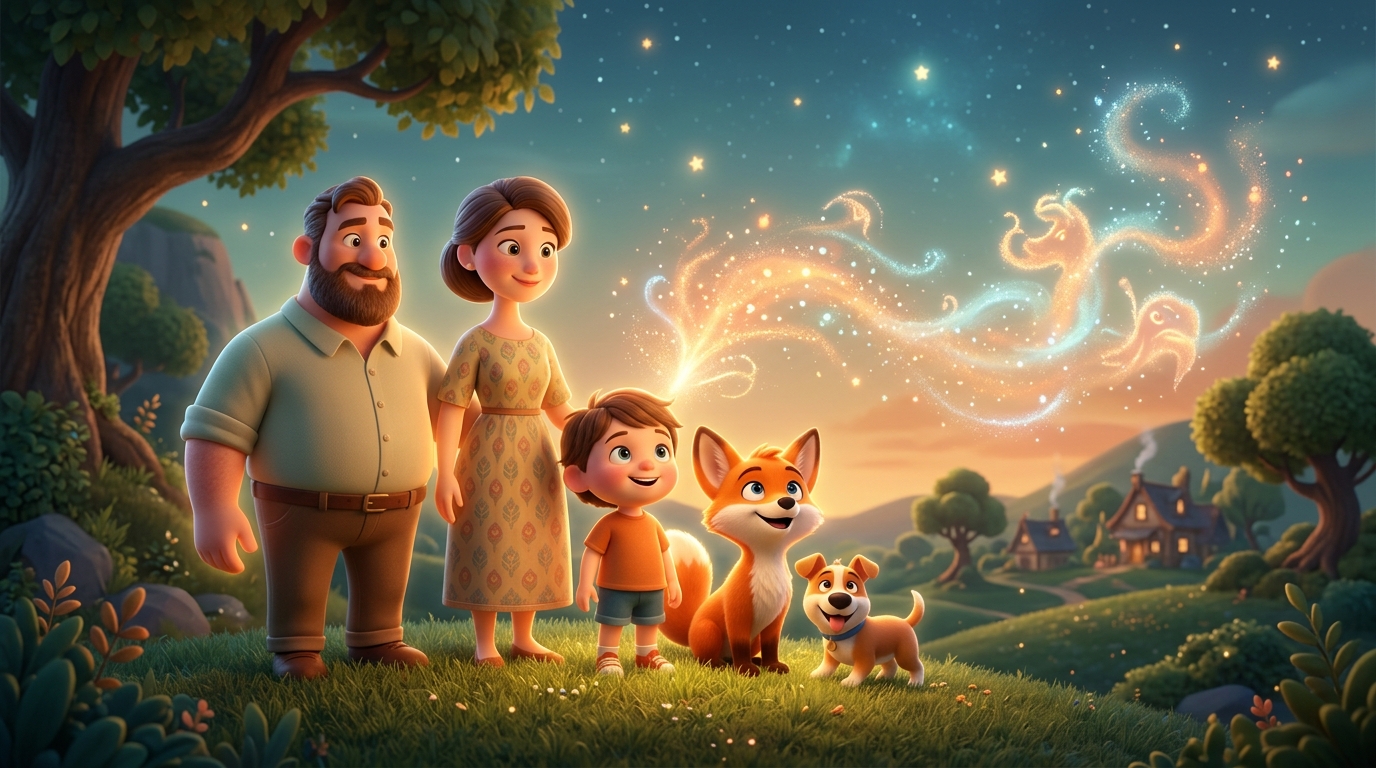
It’s the moment that makes Flipr special: when your child’s best friend, the dog Carlo, or Grandma Inge appears in the adventure — with their real names and as real characters in the story. It all starts with creating your family’s avatars. Here is how you do it.
You create your family’s avatars in Flipr by going to the Character Hub and tapping + New Character. Here you choose the type and name, after which you can either take a selfie for automatic generation or build the figure manually. It takes less than 5 minutes to get your family ready for adventure.
What is an avatar in the Flipr universe?
An avatar is a cartoon-style figure that represents a person or an animal in the Flipr universe. The avatar is used in the stories' illustrations and ensures that the characters look recognizable.
You can create avatars of:
- Your child (and siblings)
- Parents and grandparents
- Friends
- Pets
Where do I find the Character Hub in the app?
Tap the character icon at the bottom of the screen — it looks like a small figure. Here you will find all your created characters and can add new ones.
How do I create a new character in Flipr?
Tap + New Character. You will now be asked to choose:
Type:
- Human — for family members and friends
- Animal — for pets
Name:
Write the character's name exactly as your child knows it. “Grandma Inge” works just as well as “Inge” — and might be more recognizable for your child.
Which methods can I use to make an avatar?
You have two options:
Take a selfie
This is the most magical option. Take a picture of the person and Flipr automatically transforms it into a cartoon character in the Flipr style. The original image is deleted after the avatar is generated.
Build the avatar manually
Choose hair color, skin tone, eye color, and other features. It takes a little longer but gives you full control over the appearance.
For pets, you choose the animal type and color.
How many avatars should I create to start with?
Save the avatar and repeat the process for all family members you want to include in the stories.
Our recommendation: Start with the most central characters — the child themselves and perhaps a pet or grandparent. You can always add more later.
How do I add the characters to a new story?
The next time you generate a story, in step 1 “Who is joining?”, you choose which characters should appear. You can choose up to 5 characters per story.
Tip: You don't have to choose all characters every time. Some nights it’s just the child and the dog. Other nights the whole family is included.
What role do the avatars play in the narration itself?
Flipr integrates the characters naturally into the story. They don’t just appear as names — they have roles, they speak, they act, and they are part of the story's plot.
A character you have named “Grandma Inge” will be described and illustrated in a way that matches her avatar — and the story will use her name actively.
What good advice is there for personalized avatars?
Use nicknames
If your child calls their best friend “Little-Em” instead of “Emma” — use the nickname. That is what gives the story that personal feeling.
Update avatars over time
Children grow and change appearance. It’s okay to update an avatar when the child feels it doesn't look like them anymore.
Let the child help
Many children love being part of creating their own avatar. It increases the anticipation of seeing themselves in the story. Also read our article about how 3D avatars boost engagement.
Add seasonal characters
Visiting Grandma during the summer holidays? Create her before the trip — then she can join the holiday adventure. Does the child have a new best friend? Add them.
How do you get hold of special heroes and figures?
In addition to your own family characters, Flipr has a range of special characters you can earn or buy — from dinosaurs to robots. These can be added to the stories just like your own characters.
It typically takes less than 5 minutes to create your family's first avatars. And after that, they are ready to appear in all future adventures.
Create your family's avatars today — start with 5 free gold coins
When the family is gathered in a story, the experience becomes even stronger — read about why children love hearing their own name and how friends can create stories together.
How many characters can I create?
There is no upper limit on the number of characters in your Character Hub. You can choose up to 5 per story.
Can I delete a character?
Yes — go to the Character Hub, tap the character, and choose "Delete". This does not affect stories that have already been generated.
What happens to the selfie I upload?
The original image is automatically deleted after the avatar is generated. Only the avatar is saved.
Can I create an avatar of my child's imaginary friend?
Absolutely — it is actually a favorite for many families. Describe the imaginary friend's appearance and create an avatar.
Can pets talk in the stories?
Yes — in Flipr's magical universe, all characters can talk and act. That is part of the magic.
Create your family's avatars
Read also
- Behind the 3D Avatar: Why Visual Identification Boosts Your Child's Engagement
- Why children love reading about themselves — the science behind it
- Why children love hearing their own name in a story
- Social Co-creation: Strengthening Friendships and Empathy Through Shared Storytelling
- The best stories for the summer holidays with Flipr
- How to write a great bedtime story prompt — for AI and for yourself